
 v1.8.0
Operational and strategic risk management application
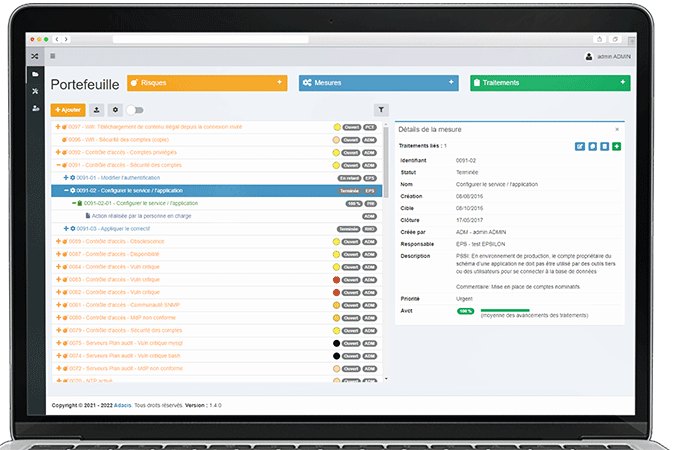
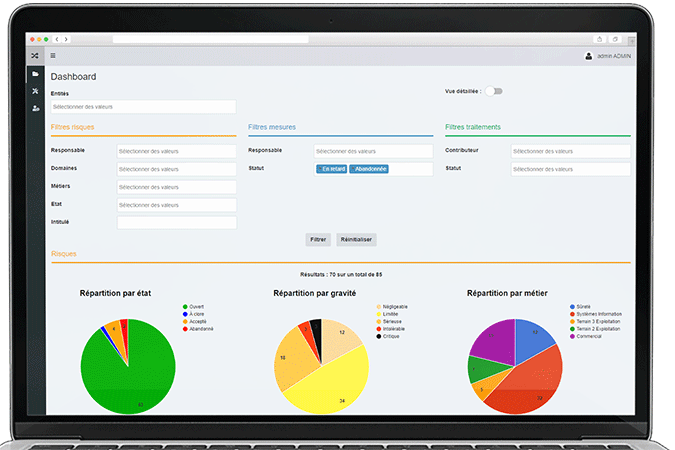
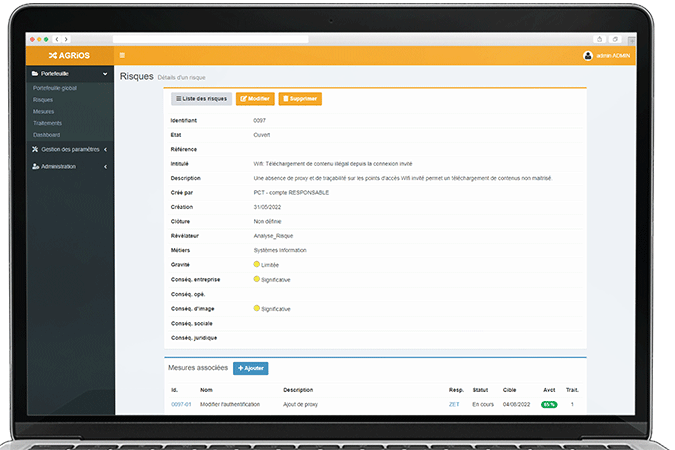
Track the evolution of your cyber risks in Agrios, as well as the progress of the security measures to be implemented. Visualize your information system's compliance gaps against security frameworks.
Risk identification
Risks can be identified through various means such as risk analyses, security audits, or following incidents. They can also stem from non-compliance with standards or regulations. Ask Adacis for advice on identifying risks threatening your IT system.
From Arimes to Agrios
Import and manage the tracking of your Arimes risk analysis in Agrios!
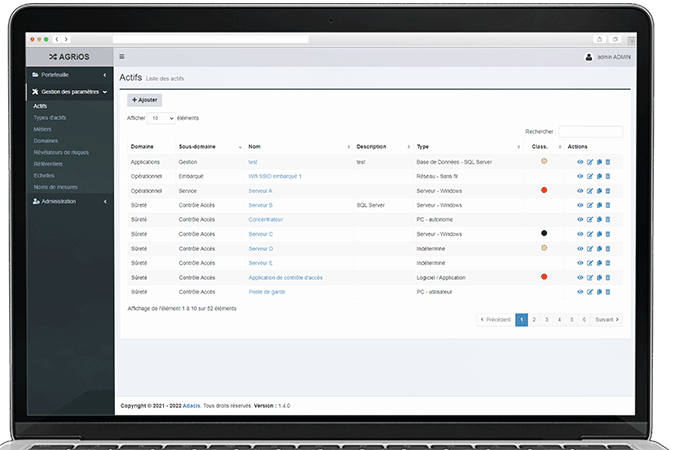
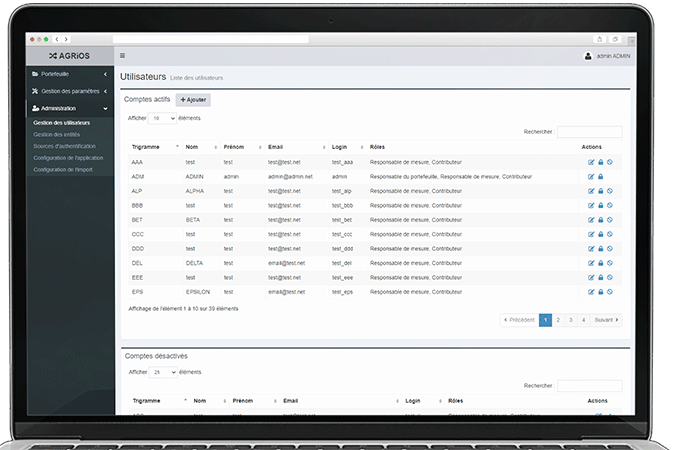
Agrios
First, enable the feature in Administration > Authentication Sources, with 2 available modes:
-Per-user activation.
-MFA enforced for all users.
In the case of per-user activation only, you edit a user account to specifically enable MFA (Portfolio Manager role required to modify a user): go to My Profile > Edit > check Enable two-factor authentication.
To import a study:
- access to the import interface on Agrios is currently restricted to a 'Portfolio Manager' profile. To test an import, you must log in with a user who has this role;
- for Agrios to be able to contact the Arimes Web API, enter the API contact URL in the 'Administration > Application Configuration' menu, in the 'Arimes Web Connection' section;
- if you encounter connection errors during import, please let us know so we can make the appropriate network adjustments between the 2 applications.
- next, an API token is required per user. It can be generated in Arimes Web, in the 'Administration > User API Tokens' menu. An API token has the format 'arip-
This API token both authorizes API requests and determines which studies are accessible depending on the user associated with the token and their permissions in Arimes Web. A user on the Arimes Web side must have access to the entire study to be able to import it into Agrios (otherwise an import error will be displayed).