
 v1.2.4
Your risk analysis solution based on Ebios RM
The risk analysis process should be a priority for any company.
Properly carried out, this process will help you actively contribute to reducing the level of risk facing your company's information system by implementing appropriate prevention measures.
Arimes is here to support you throughout your analyses.
Arimes certification
Adacis is proud to announce that Arimes Version V1.0 is certified compliant with ANSSI's EBIOS Risk Manager methodology.
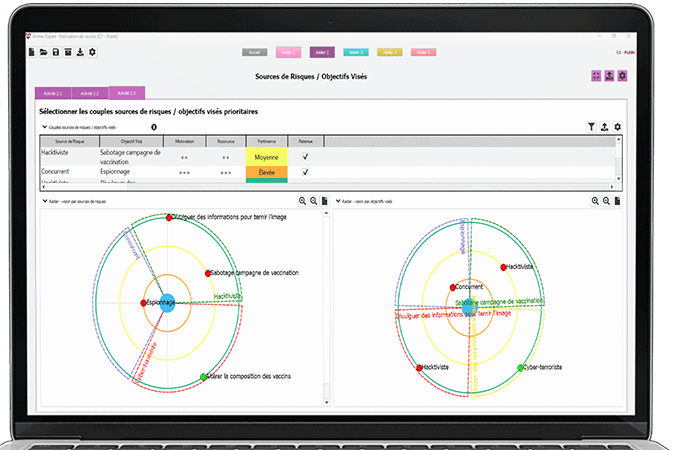
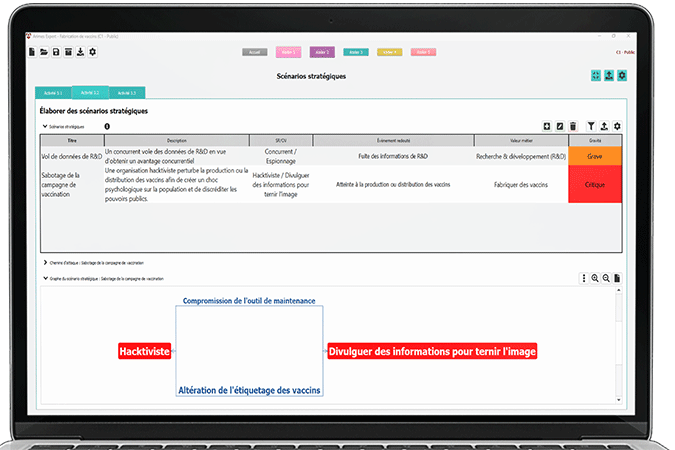
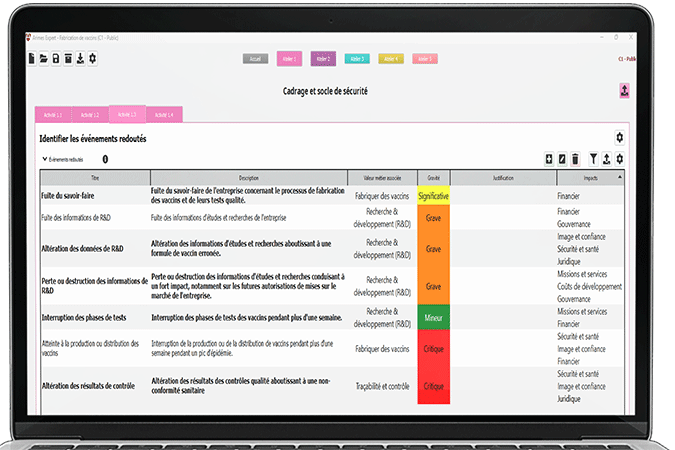
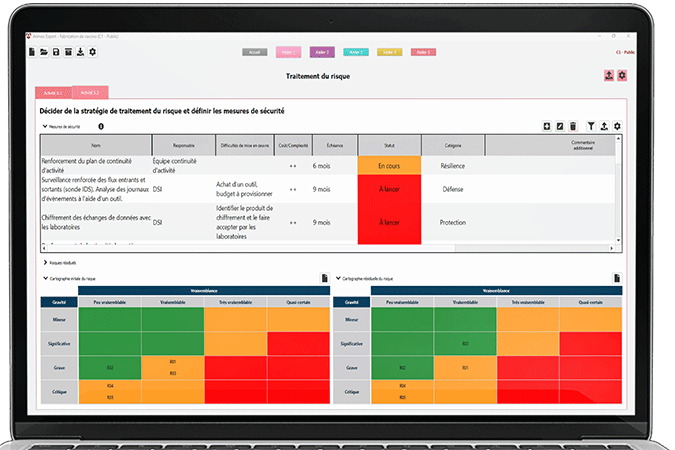
More information about Arimes StandAlone
Presentation of the ANSSI security visa and the EBIOS label (EBIOS RM compliance label for Arimes)
On the occasion of the webinar "Cyber ecosystem: the challenges of scaling up", ANSSI brought together cybersecurity vendors and service providers on June 29, 2021 to present them with their security visas and EBIOS labels. Having been PASSI qualified in April 2020, Adacis received a security certificate for its risk analysis solution
Arimes — certified compliant with the EBIOS Risk Manager methodology since May 2021 (see at 9min20s).
ADACIS Certified Tool – Feedback on the tool-assisted implementation of EBIOS RM – EBIOS Club
In this video, Christophe Maillet & Matthieu share their feedback on implementing EBIOS RM using the ARIMES certified tool, developed in-house.
Arimes StandAlone
Yes, and you can download it using the following link.
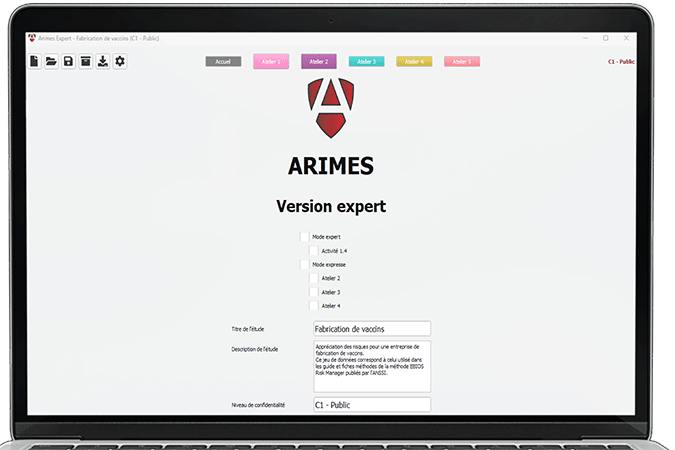
Download the Arimes Standalone user documentation (v1.2.4, March 25, 2025)To get started, you can create an empty study. Alternatively, we suggest starting with the example file, which already contains grids and frameworks.
Download our sample study (v2.0)Studies rely on frameworks; you can enter them manually in activity 1.4 or import them along with their requirements in .json format. To import a framework,
1. At the top left of the application, click the import button 📥
2. Select JSON as the import type
3. Import the file. You can use the example below of the ANSSI 42-rule hygiene guide evaluation template.
4. Select "Frameworks (1.4)", "Security framework requirements (1.4)" and "Requirement status (1.4)", then click Import.
5. If any objects are detected as duplicates, a wizard will guide you through merging the information.
6. The import may take about ten seconds.
7. Once the import is complete, you'll find the framework in activity 1.4.
You can enter requirements manually in a framework in activity 1.4 or import them in .csv format. To import a framework's requirements,
1. Go to activity 1.4
2. (Optional) Add a framework (+)
3. (Optional) Enter the information relating to this framework. For ANSSI's IT hygiene guide:
• Type: Basic rules & hygiene
• Description: This guide contains 42 measures to strengthen the security of your information system.
• Compliance indicator: Partially applied.
• Version: Version 2.0 - September 2017.
4. Select the row of the created framework.
5. At the top left of the frameworks table, click Import csv 📥
6. Import the .csv file. The expected format is Level,Title,Description,Applied,Comment,[Category].
7. The import may take a few minutes.
8. Once the import is complete, your requirements will be available in the second table.
The CIA-T scale is not part of the Ebios RM method. If you still wish to fill it in, this can be done in workshop 1.3 at the impacts level.
The json file below lets you import the complete scale (C, I, A, T at levels 0 to 4) into your study. After importing the data, the CIA-T levels should be added as impacts on your business assets.