
 v0.13.0
Your risk analysis solution based on Ebios RM
The risk analysis process should be a priority for any company.
Properly carried out, this process will help you actively contribute to reducing the level of risk facing your company's information system by implementing appropriate prevention measures.
Arimes is here to support you throughout your analyses.
Arimes Web
Arimes Web is available as SaaS and on-premise.
The Arimes Web version is currently being validated by ANSSI.
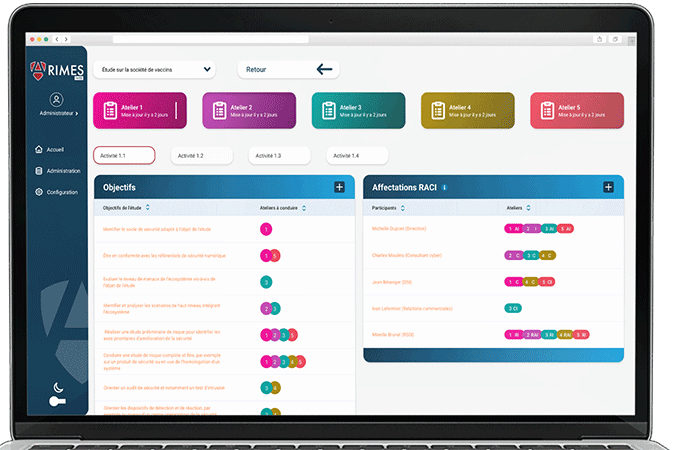
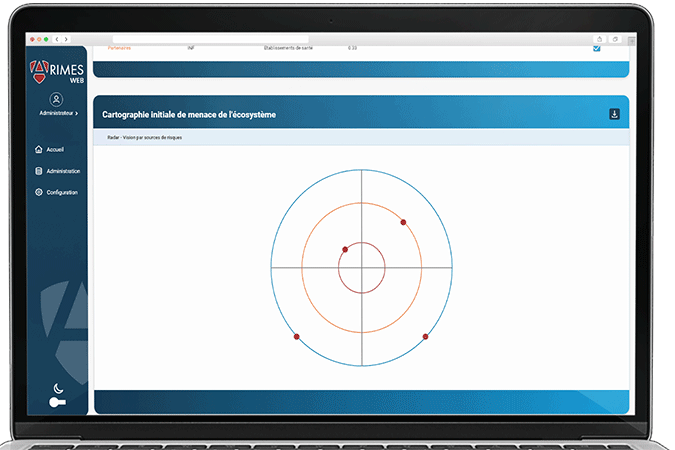
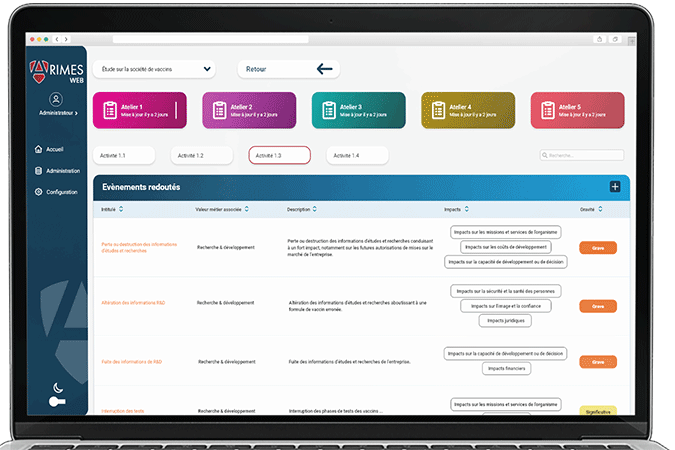
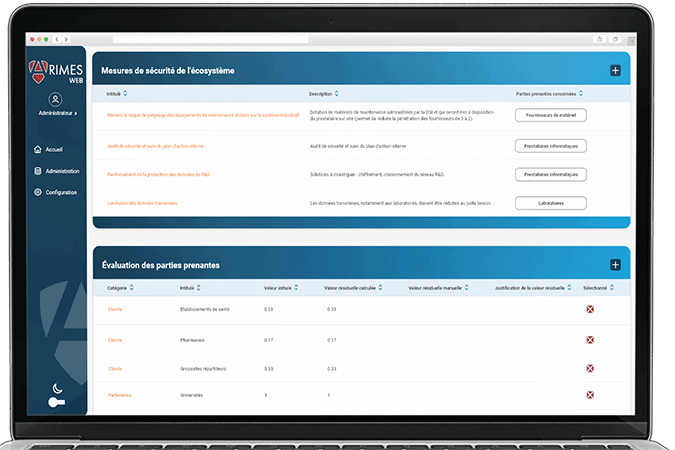
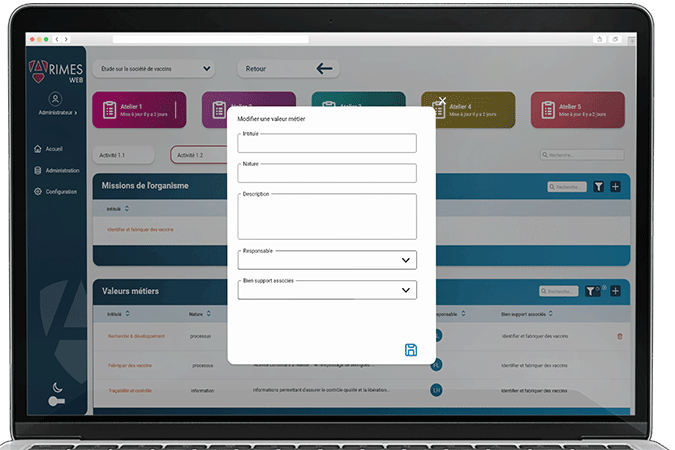
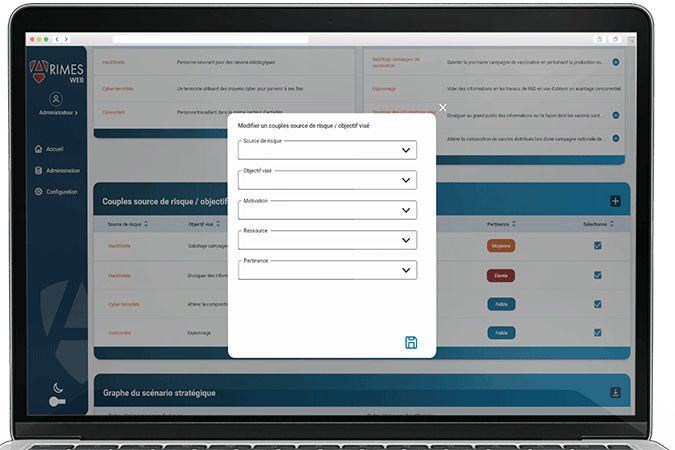
Arimes Web
You can enter requirements manually in a framework in activity 1.4 or import them in .json format. To import a framework's requirements,
1. Go to Activity 1.4 > Frameworks
2.a If you already have a framework
i) Edit the framework ✏️
2.b If you don't have a framework
i) Create Framework
ii) Enter the information relating to this framework. For the ANSSI IT hygiene guide evaluation template:
• Title: IT hygiene guide evaluation template
• Type: ANSSI Guide
• Description: ANSSI's hygiene guide contains 42 measures to strengthen the security of your information system.
3. In the Import requirements field, import the .json file.
The expected format is [{'title': 'string', 'description': 'string', 'category': 'string', 'justification': 'string', 'statusLevelId': int}, {...}].